





Items play a vital role in how Dota 2 is played, and your furry friend – the Courier – helps you manage deliveries so you don’t need to make repeated trips to the base. The courier is an indispensable unit that every player relies on, so in this guide, we’ll break down how to use the couriers in Dota 2.
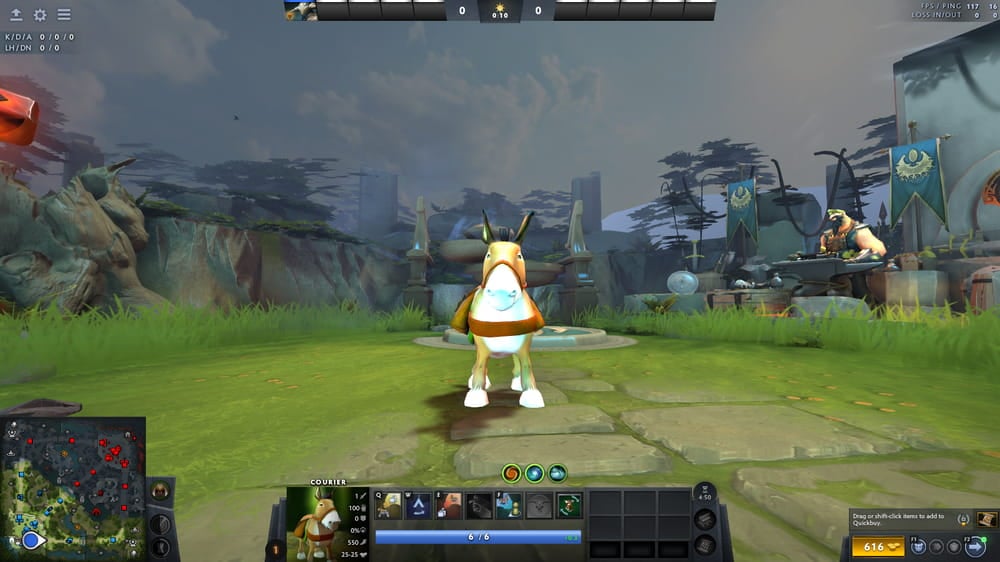
A courier is a controllable unit that delivers items from your base to your hero. It is available to all players at the start of the game, meaning each hero has a personal courier assigned to them, although some will remember the dark days of the old problem of “courier hogging” in the old days of Dota 2, where each team only had one courier.
All good guides should start with the basics and there are some fundamental aspects to couriers in Dota so here they are:

You can have a surprising amount of control over your Courier in Dota 2 and can move it around as its own unit. Here are the most important moves you can use:
The most basic courier function is to deliver your Dota items to you. Once you purchase an item from the shop, you can use the Deliver Items command to send the courier with your items.
Once your item has been delivered to you, the courier will automatically head back to the base if no further commands are given. However, you can manually send the courier back to base to pick up new items immediately.
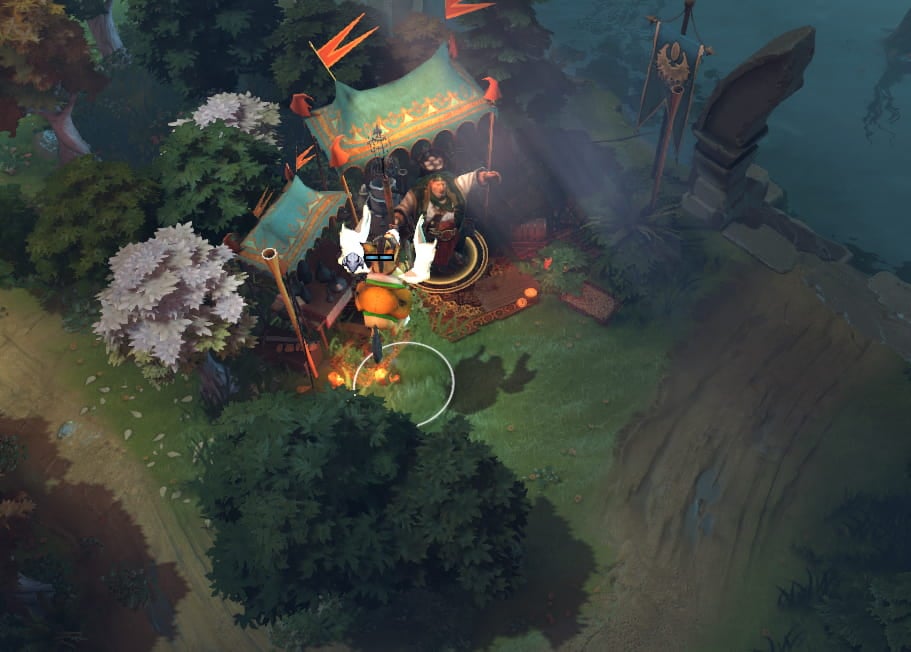
Some Dota 2 items are not available in the main shop and can only be found in the Secret Shop. No worries – you can send the courier to the Secret Shop, and once they’ve arrived at the location, you can purchase the item you were looking for.

Couriers have two abilities that can be activated at will:
The courier also has the ability to use an item, which is the Smoke of Deceit. This allows you to have the courier pop the smoke, which can be helpful to save downtime. The courier cannot use any other items.
However, if items that drop on death (like Gem of True Sight or Divine Rapier) are on a courier when it is killed, those items will be dropped on the ground and can be picked up by enemies.
If you’re looking to make the most out of your courier, here are several practices to remember:
All courier functions can be bound to designated hotkeys. Using hotkeys for courier actions can help you manage it more quickly and conveniently.
A dead courier not only feeds gold to the enemy team, but it also delays your item delivery. Be careful when sending it through dangerous zones like the Secret Shop, or having it deliver items to you while you’re deep in enemy territory. The courier can also reveal your position if you’re hiding in the trees around your enemy so time your deliveries wisely.
You don’t need to manually walk to the Secret Shop to buy your items. You can send the courier there in your place to save time and reduce map movements.
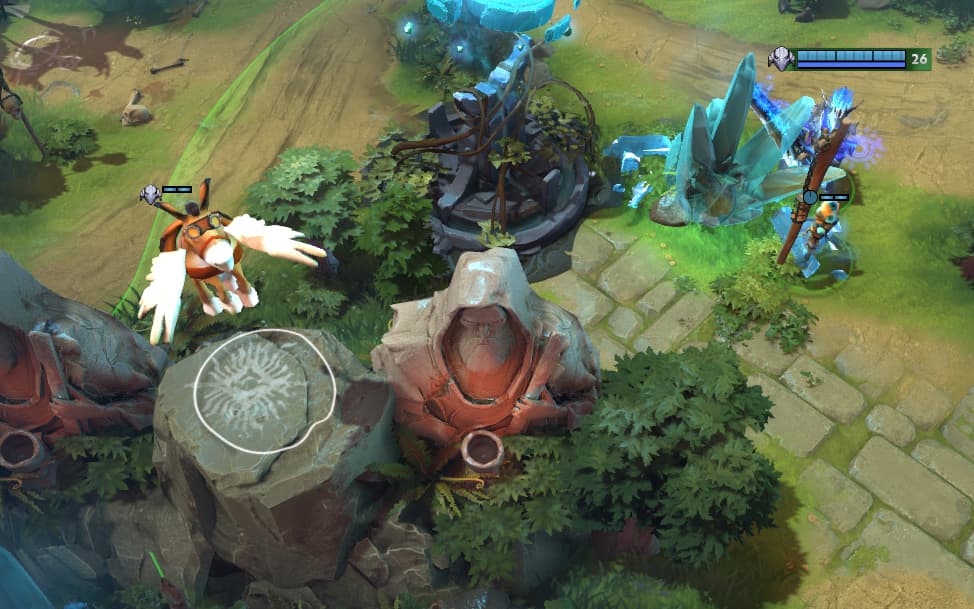
Support players in higher ranks often use the courier’s flying vision to deward cliff and high-ground areas. This allows for more effective ground sentry ward placements.

You can use the courier’s Speed Burst to increase your delivery speed, but the Courier Shield should be used wisely. Activate it if your courier is crossing a lane or trying to dodge enemies.
Couriers are a vital part of Dota gameplay and using it effectively can mean the difference between having a game changing item delivered on time or not. Be careful and you’ll be able to use the courier to the best if its abilities quickly.
And stay up to date on all the latest trends in esports
By submitting your information you agree to the Privacy Policy and Terms of Use